
Blur faces
Without uploading.
Choose a video up to 90 seconds. We'll find the faces for you. Keep the faces you want visible and blur the rest.
Want to hide a number plate? Blur it here →
- No account
- No tracking
- Your file stays on your device
Start with a video
Choose a video to get started.
Download the one-time face detection model. It stays in your browser, so you won't need to download it again.
Your video stays on your device.
Everything happens in your browser. Your video is read, analysed and edited on your device, and nothing is uploaded.
From private
clip to protected
clip.
See exactly what happens to your video.
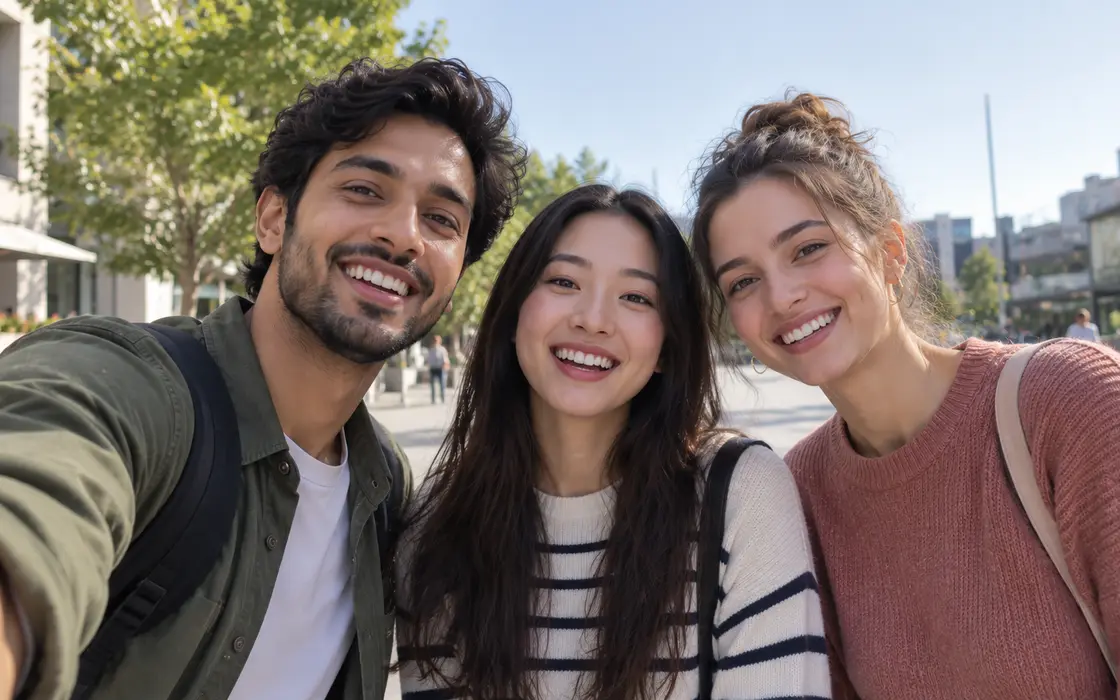
Faces are found.
Every face is detected and followed as the video moves.
Privacy is not
a badge.
It is the workflow.
You choose your video.
It is opened straight from your device. Nothing is uploaded.
Face detection runs here too.
A small one-time download lets face detection run in your browser.
You choose which faces stay visible.
Simple by default, with finer controls when you want them.
You keep the finished file.
There is no account and no online library waiting for you afterwards.
Need to do one more media job?
Focused tools for the little media jobs that normally send you hunting for another website.
- ⌁00:0000:3401:02VIDEO · LOSSLESS
Lossless Video Trimmer
Cut out the parts you do not need.
Open tool →
- ┆Part 1Part 2VIDEO · LOSSLESS
Video Splitter
Cut a long video into smaller clips.
Open tool →
- +CLIP 1CLIP 2CLIP 3VIDEO · LOSSLESS
Lossless Video Merger
Join matching clips into one file.
Open tool →
- ◖WAV · MP3AUDIO
Audio Track Extractor
Save the sound from a video as WAV or MP3.
Open tool →
- ◎CROSSFADEPAUSEAUDIO
Audio Editor
Cut, join and crossfade songs into one track.
Open tool →
- ▶DISSOLVEBLANKVIDEO
Video Editor
Cut, join and fade clips into one video.
Open tool →
- ◐BEFOREAFTERIMAGE
Photo Editor
Give a photo a look, blur faces, save at full size.
Open tool →
- ▣ORIGINAL RESOLUTIONVIDEO → IMAGE
Frame Grabber
Save a frame at its original resolution.
Open tool →
- ↗TARGET SIZEIMAGE
Image Resizer
Set a file-size limit or exact dimensions.
Open tool →
- GIFGIFVIDEO → ANIMATION
Video to GIF
Turn part of a video into a GIF.
Open tool →
Same principle across every tool: your media stays on your device.
Bring a private video.
Leave with a private result.
Try blurvideoFree · no account · no upload